
Showing posts with label photoshop. Show all posts
Showing posts with label photoshop. Show all posts
Monday, June 20, 2011
Final Exam!

Thursday, May 12, 2011
Final Fantasy Poster!

So here it is! My final fantasy poster. I didn't change much from the original one that I posted, but I made a few changes. First I darkened the moon a bit with the burn tool to make it blend in with the dark clouds more. Then I wanted the lightning to "pop", so I highlighted the white lighting with yellow. I used serval images to complete this poster.
I used this image for the background: 
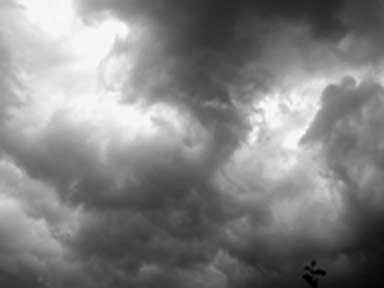
I used this image for the sky:
I used this image for the eagle body:

I used this image for the dragon head:

And I used this image for the moon:

To make the lightning, I just used the paint tool and drew it on with white paint. But then I highlighted it with yellow paint to make it stand out more. I used the tutorial: http://psd.tutsplus.com/tutorials/photo-effects-tutorials/how-to-place-a-fantasy-creature-in-a-misty-landscape/ to make the eagle/dragon. And I also used the tutorial: http://www.alfoart.com/mysterious_lightning_1.html to make the sky, lightning and moon.
Thursday, May 5, 2011
Fantasy Poster

Heres my fantasy poster so far. I still have another week to work on it, so I'm not quite done yet. I got ideas for this poster from the two tutorials: http://www.alfoart.com/mysterious_lightning_1.html and http://psd.tutsplus.com/tutorials/photo-effects-tutorials/how-to-place-a-fantasy-creature-in-a-misty-landscape/. The first tutorial helped me make the lightning and the sky. The second tutorial helped me make the eagle/ dragon. I think there's something missing from it, so if you have any suggestions please comment below! Thanks :]
Thursday, April 14, 2011
Art Deco Poster

I used this picture as my background:

I also used this image for the hula dancer:

Then I used several pictures of flowers to put them behind the word "Hawaii."
I used this tutorial: http://veerle-v2.duoh.com/blog/comments/photoshop_vintage_effect/ for the background and the hula dancer to make the colors brighter and to make it pop. I made the whole poster using photoshop.
Subscribe to:
Posts (Atom)